

Top 3 CAD Workflow Mistakes (and How They’re Costing You More Than You Think)
 When most engineering teams evaluate their CAD environment, they focus on tools—licenses, performance, or new features. But the real bottlenecks rarely come from SOLIDWORKS itself.
They come from workflow.
Poor CAD workflows quietly drain productivity, introduce costly errors, and slow down your entire organization—from sales to manufacturing. And the worst part? These issues often feel “normal” because they’ve been around for years.
Let’s break down the top three CAD workflow mistakes we see in SOLIDWORKS and SOLIDWORKS PDM environments—and what to do about them.
 1. File Chaos: Poor Data Management (or No PDM at All)
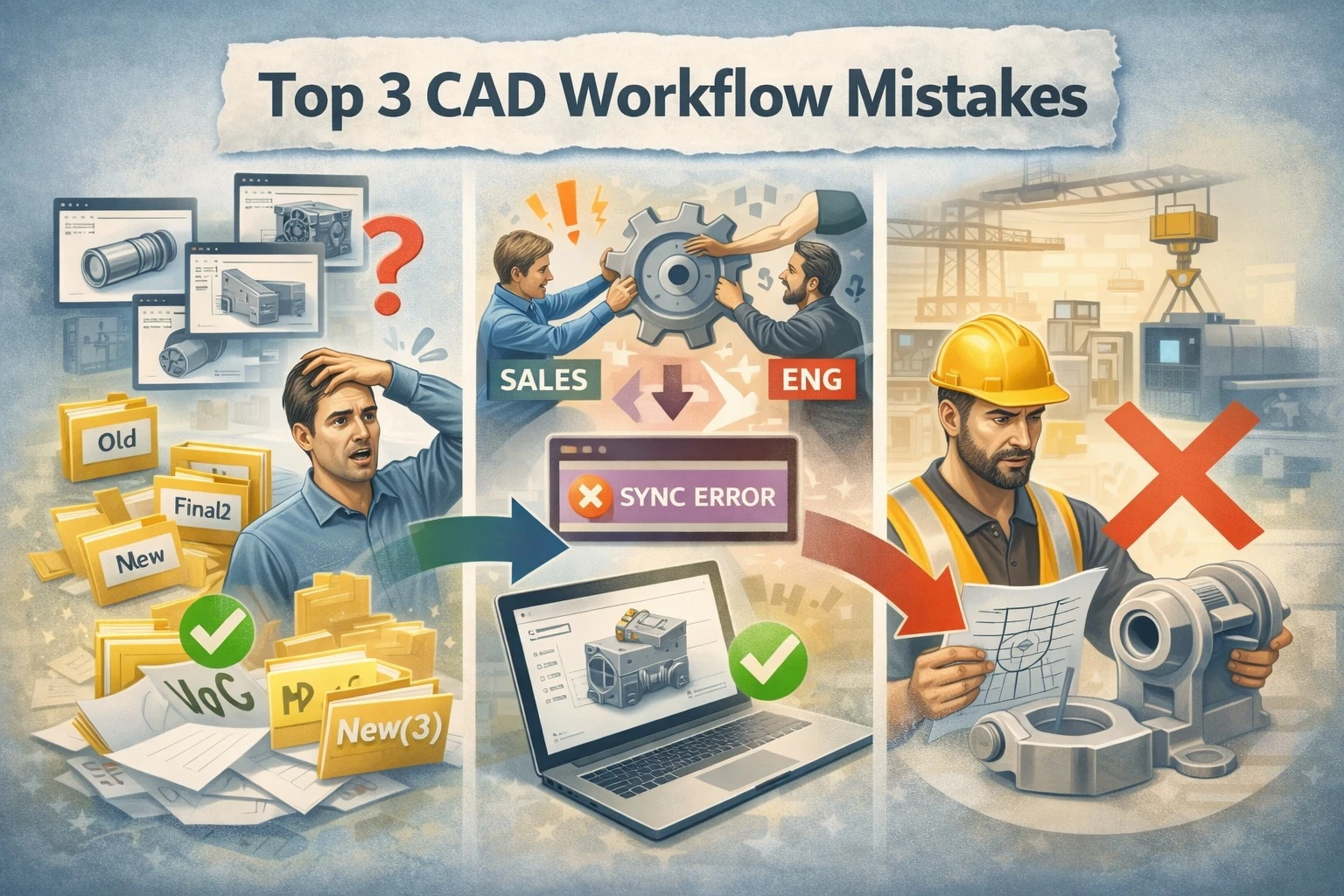 1. File Chaos: Poor Data Management (or No PDM at All)
The Problem
Files are scattered across shared drives, desktops, and email threads. Engineers rely on naming conventions like:
FINAL_v3FINAL_v7_REALFINAL_v7_REAL_USE_THIS_ONE
Sound familiar?
Without a structured system, teams struggle with:
- Overwriting files
- Losing design history
- Working on outdated versions
- Wasting time searching instead of designing
Even teams with SOLIDWORKS PDM often misuse it—treating it like a glorified file cabinet instead of a controlled system.
Why It Matters
This isn’t just an engineering inconvenience—it directly impacts the business:
- Manufacturing builds the wrong revision
- Quotes are based on outdated designs
- Rework increases
- Trust between teams erodes
The Fix
SOLIDWORKS PDM should act as a single source of truth, not just storage.
That means:
- Enforced check-in/check-out workflows
- Clear revision control strategies
- Automated state transitions (e.g., WIP → Review → Released)
- Searchable metadata instead of folder hunting
When implemented correctly, PDM eliminates guesswork. Everyone knows what’s current—and what’s not.
2. Broken Processes Between Engineering and the Rest of the Business

The Problem
Engineering works in one system. Sales, operations, and manufacturing work in others. And the handoffs between them are… messy.
Common symptoms:
- Sales requests custom designs via email or Slack
- Engineers manually recreate similar models over and over
- BOMs are exported, edited, and re-entered elsewhere
- Manufacturing receives incomplete or inconsistent data
There’s no true workflow—just a series of disconnected steps.
Why It Matters
This is where delays compound:
- Quotes take days (or weeks)
- Engineering becomes a bottleneck
- Errors multiply during handoffs
- Teams operate reactively instead of proactively
Ultimately, engineering becomes overloaded—not because of complexity, but because of inefficiency.
The Fix
You need connected workflows, not isolated tools. Through our Engineering Systems and Processes Review (ESPR) engagement, we can identify where systems are disconnected and provide you with the tools to fill in the blanks across all systems.
This often includes:
- Standardizing how requests enter engineering
- Automating repetitive design tasks (configurations, templates, rules)
- Ensuring BOMs and drawings flow directly from CAD to downstream systems
- Integrating PDM with ERP or other business systems
When workflows are connected, engineering stops being a bottleneck—and starts becoming a driver of speed.
3. Reinventing the Wheel: No Automation or Design Reuse Strategy
The Problem
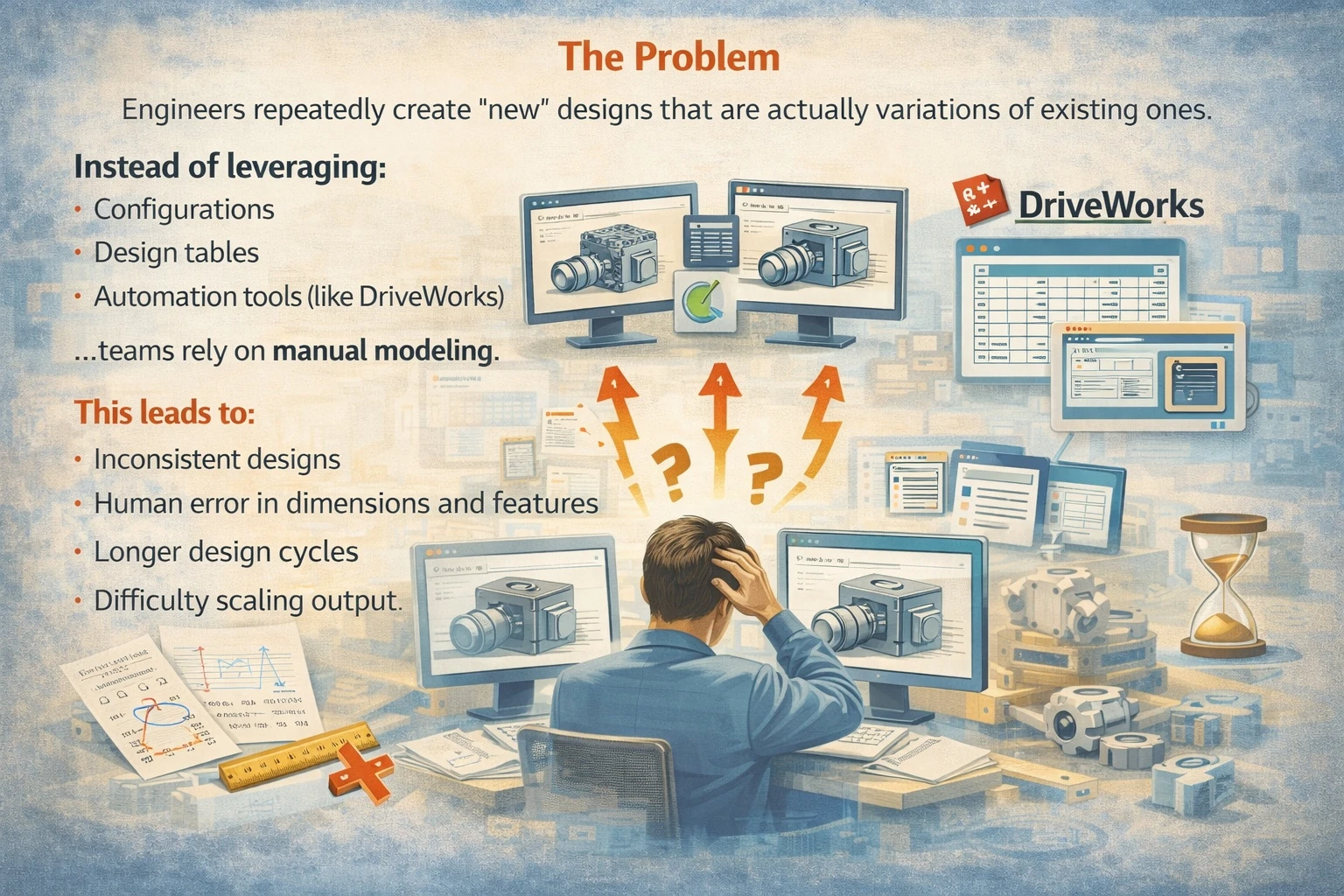
Engineers repeatedly create “new” designs that are actually variations of existing ones.
Instead of leveraging:
- Configurations
- Design tables
- Automation tools (like DriveWorks)
…teams rely on manual modeling.
This leads to:
- Inconsistent designs
- Human error in dimensions and features
- Longer design cycles
- Difficulty scaling output
Why It Matters
This is one of the biggest hidden costs in CAD workflows.
Every time an engineer manually rebuilds something:
- Time is wasted
- Risk is introduced
- Knowledge stays in someone’s head instead of the system
And as demand increases, the team can’t keep up without adding more people.
The Fix
Shift from manual design to rules-driven automation thanks to DriveWorks.
This can include:
- Standardizing configurable products
- Capturing engineering knowledge into rules
- Automating model, drawing, and BOM generation
- Enabling sales teams to configure products without engineering involvement
- Automated quote creation
With the right approach, what used to take hours—or days—can happen in minutes.
The Bigger Picture: Workflow Is Your Competitive Advantage
 Most companies don’t lose deals because of bad engineering.
They lose because they respond too slowly, or they make preventable errors, or they can’t scale efficiently.
Your CAD tools are powerful—but without the right workflow, they’re underutilized.
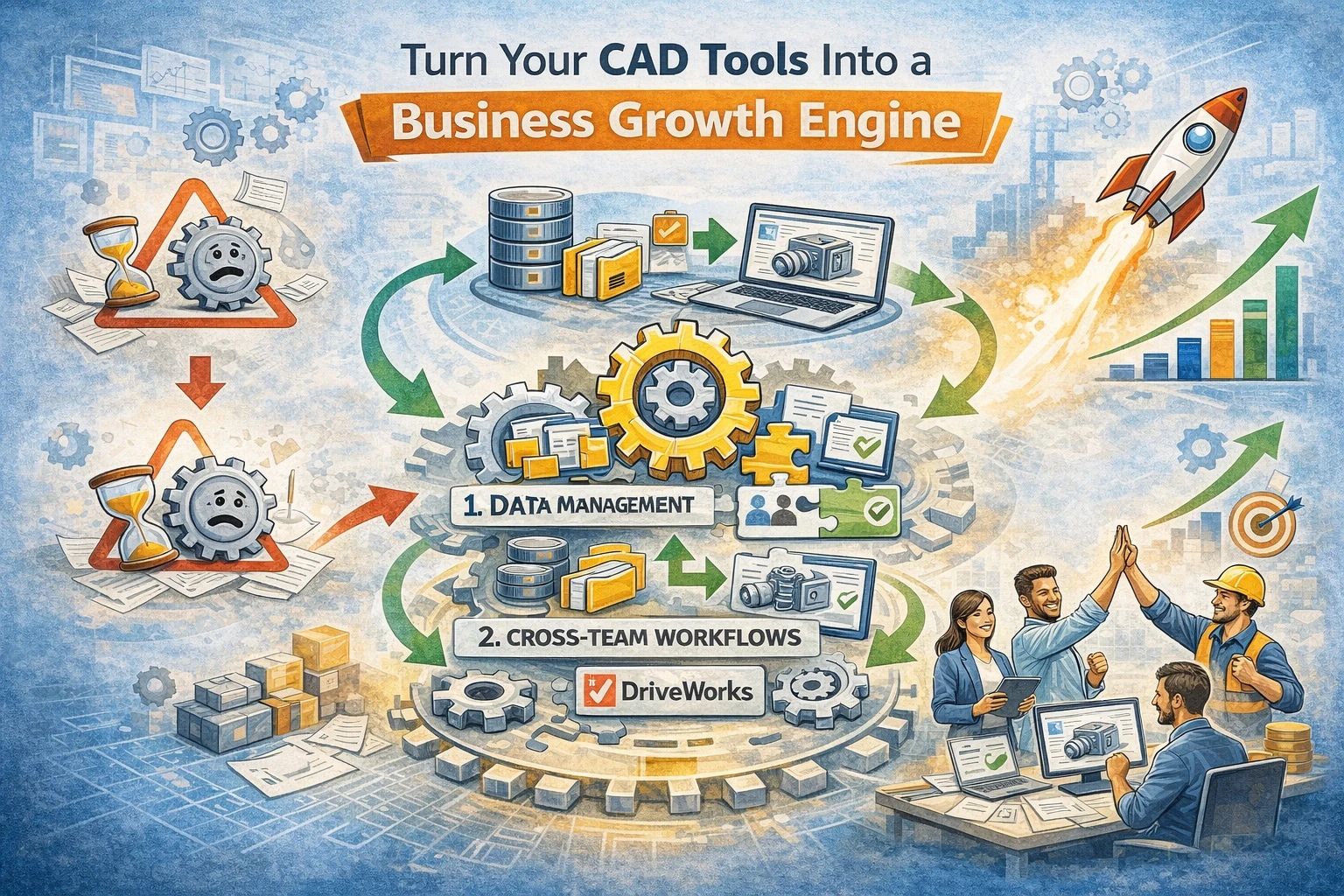
When you fix the workflow around Data management (PDM), Cross-team collaboration, and Design automation…you don’t just improve engineering, you accelerate your entire business.
Where to Start
If any of this sounds familiar, the next step isn’t buying more software—it’s evaluating how your current system is being used.
Ask yourself:
- Do we trust our data?
- Are our workflows clearly defined and enforced?
- Are we automating what we should be?
If the answer is “not really,” there’s a massive opportunity sitting right in front of you.




