


 Incorrect User Permissions:
 Incorrect User Permissions:
The single greatest source of data loss or unauthorized change. When permissions are confusingly set or over-granted, users can accidentally (or intentionally) delete files, overwrite approved revisions, or access sensitive projects they shouldn't see. A managed system ensures a strict, least-privilege principle is enforced and regularly audited.
 Mis-configured Serial Numbers:
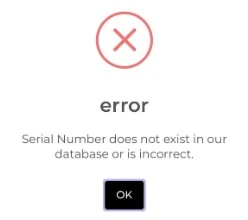 Mis-configured Serial Numbers:
The PDM vault's ability to automatically generate unique, sequential file names and document numbers is a core feature. If these serial numbers are mis-configured, they can skip numbers, assign duplicates, or fail to follow company standards, crippling downstream processes like ERP and document control.
 Client/Server Version Mismatches:
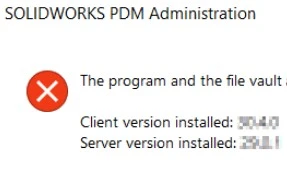 Client/Server Version Mismatches:
SOLIDWORKS and PDM are complex, integrated systems. When client workstations (PDM add-in and CAD software) don't precisely match the PDM Server version, users face frequent connection errors, crashes, and potentially file corruption. Managed administration ensures all components are on tested, compatible versions.
 Confusing or Poorly Coordinated Folder/File Structure:
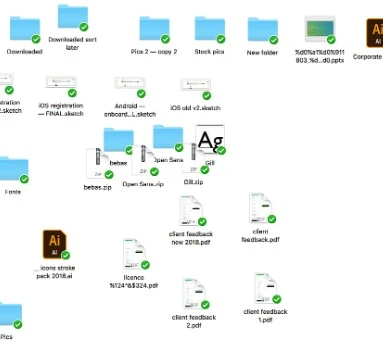 Confusing or Poorly Coordinated Folder/File Structure:
When every user or project manager creates files and folders ad hoc, finding the correct version of a component becomes a nightmare. This leads to time wasted, duplicate work, and—worst of all—manufacturing with the wrong data. A managed structure provides a standardized, logical blueprint for all data.
 Duplicate Folders/Projects:
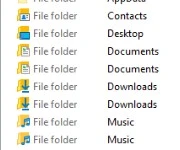 Duplicate Folders/Projects:
A direct consequence of poor structure and ad hoc processes. Duplicate projects or component folders lead to data bloat, confusion over which project is the "active" one, and wasted storage space.
 SNL (SolidNetwork License) Issues:
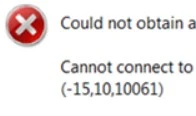 SNL (SolidNetwork License) Issues:
Licensing is a common bottleneck. Mis-configured, un-optimized, or stuck licenses can prevent users from even starting their work, leading to frustrating downtime. A managed service monitors the SNL to ensure maximum user uptime.




