

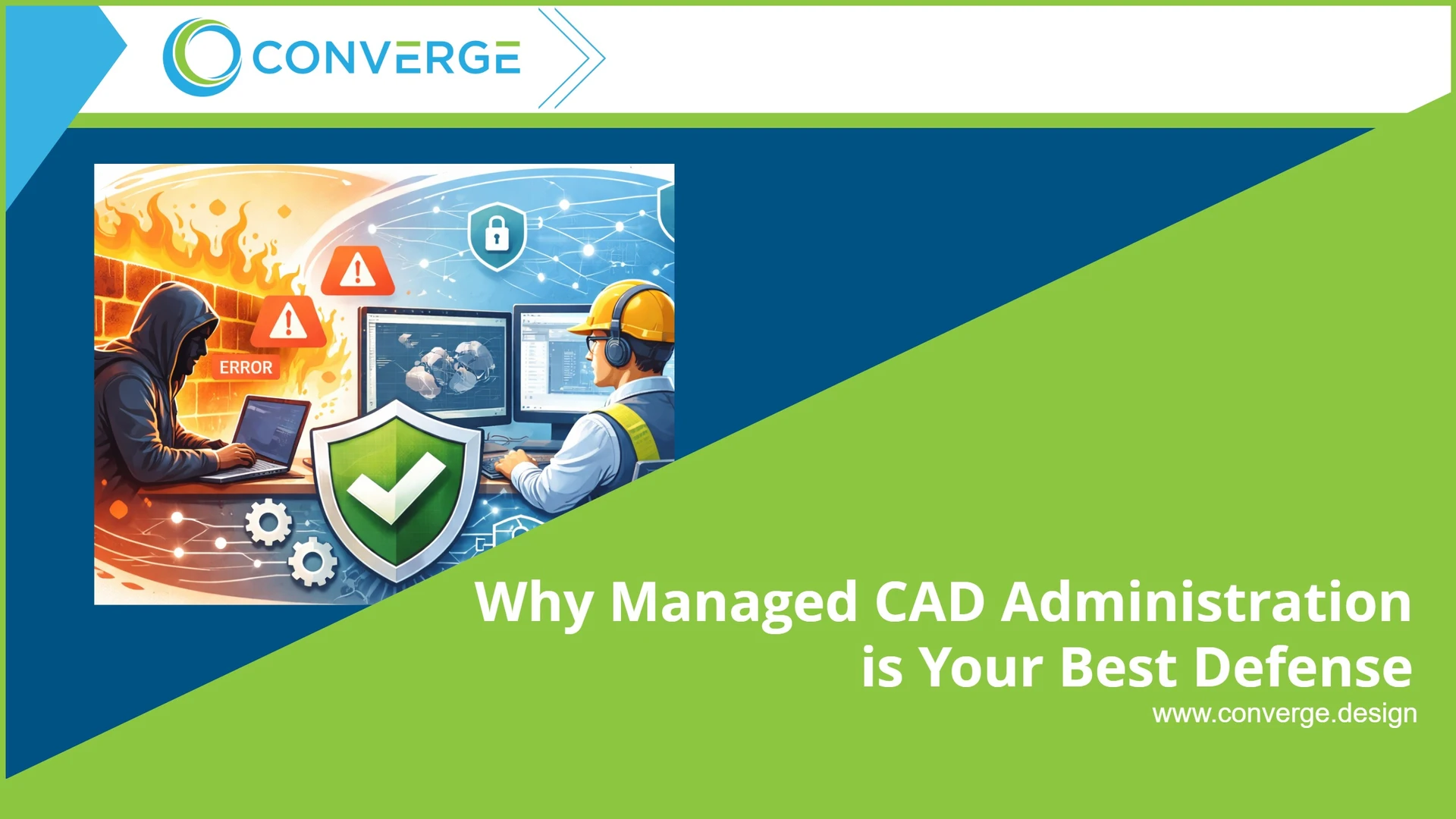

Incorrect user permissions
First, poor permission control is one of the biggest causes of data loss and unauthorized changes. When teams grant too much access or set permissions inconsistently, users may delete files, overwrite approved revisions, or open projects they should not access. A managed approach helps prevent that. It applies least-privilege access, limits unnecessary permissions, and reviews those settings regularly.
Why it matters: Better permission control protects sensitive data and reduces the risk of accidental or unauthorized changes.
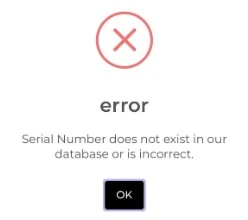
Misconfigured serial numbers
SOLIDWORKS PDM can automatically generate unique file names and document numbers. This is one of its most useful features. However, when serial number settings are wrong, the system can skip numbers, create duplicates, or break company naming standards.
Those issues can then affect ERP integrations, document control, and other downstream processes.
A managed administrator keeps serial number settings aligned with your standards and checks them regularly to make sure they continue to work as expected.
Why it matters:
Accurate numbering supports clean records, smoother workflows, and better system integration.
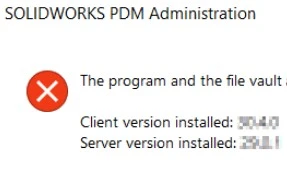
Client and server version mismatches
SOLIDWORKS and PDM depend on tight system compatibility. When client workstations do not match the PDM server version, users may face connection problems, crashes, and even file corruption.
These issues are not just frustrating. They also interrupt work and can put important project data at risk.
A managed administrator tracks versions carefully and keeps systems on tested, compatible releases.
Why it matters:
Version control improves system stability and helps teams avoid downtime.
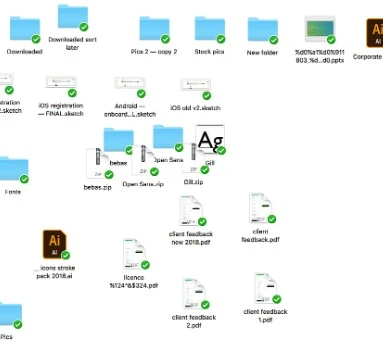
Confusing or inconsistent folder and file structure
Next, disorganized file structures create daily frustration. When users or project managers create folders and files without a clear standard, it becomes much harder to find the correct version of a file.
As a result, teams waste time searching, recreate work that already exists, or, even worse, manufacture from the wrong data.
A managed system creates a clear, logical structure for projects and files. That consistency makes it easier for everyone to find, use, and trust the right information.
Why it matters:
A strong structure saves time, reduces duplicate work, and helps prevent errors on the shop floor.
Duplicate folders and projects
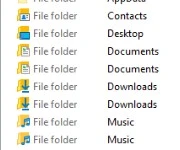
Duplicate folders and duplicate projects usually result from poor organization and inconsistent processes. Over time, this creates confusion about which project is active, which files are current, and where teams should store new work.
It also increases storage use and makes the vault harder to manage.
A managed administration strategy reduces this problem by enforcing structure, naming standards, and process discipline across the vault.
Why it matters:
Cleaner project organization helps teams work faster and with more confidence.
SNL (SolidNetWork License) issues
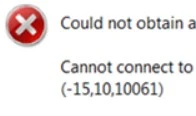
Licensing problems can stop work before it even starts. When SolidNetWork Licensing is poorly configured, stuck, or not optimized, users may not be able to launch the software they need.
That downtime affects productivity and creates unnecessary frustration across the team.
A managed service monitors license usage, resolves bottlenecks, and helps make sure licenses stay available when users need them.
Why it matters:
Better license management keeps engineers working and reduces avoidable delays.




