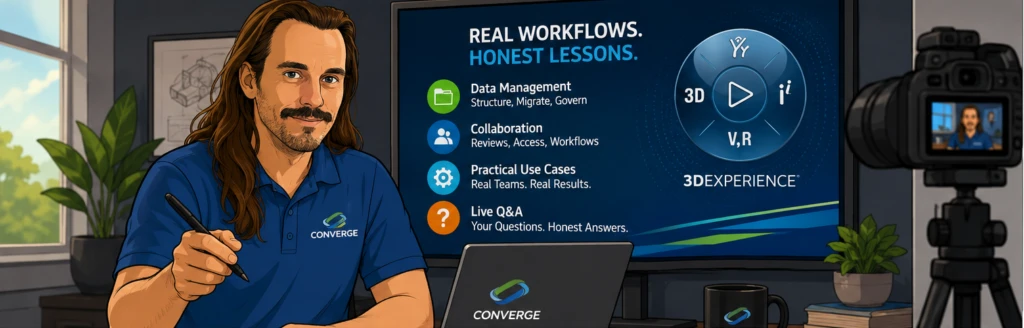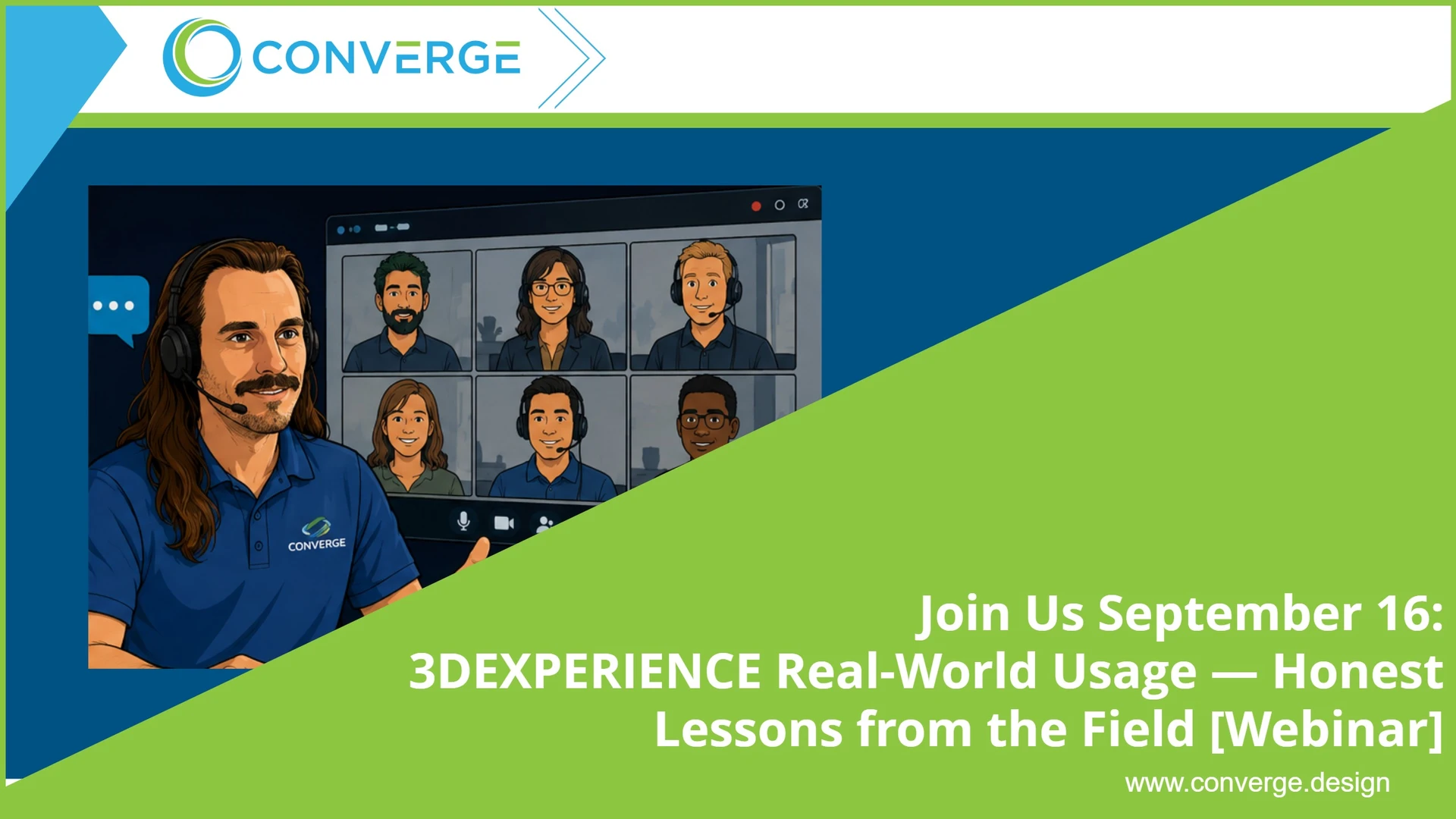
Most of what you have seen about 3DEXPERIENCE is a demo. Polished screens, a clean dataset, a presenter who already knows exactly where to click. That is useful for understanding what the platform can do. It tells you almost nothing about what it is like to run it with a real team, real deadlines, and a decade of legacy data you cannot just throw away.
On September 16, we are doing the opposite. Converge is hosting a live session built around real workflows and honest lessons from teams actually using 3DEXPERIENCE. No pitch, no highlight reel. Just what works, what took longer than expected, and what we would do differently the second time.
Why this session, and why now
3DEXPERIENCE is one of two valid paths to the cloud. Some teams are ready for full SaaS and browser based modeling. Others are better served keeping the desktop SOLIDWORKS they know in a managed cloud. The mistake we see is teams making that call based on a sales demo instead of a clear picture of daily use.
This session gives you that picture. You will hear from practitioners who moved data, changed habits, and got their teams productive on the platform. When something was harder than the marketing suggested, they will say so. That is the point. 
What we will cover
Data management
This is where most platform moves live or die. We will walk through how teams structure data on 3DEXPERIENCE, how they handle version control and revisions, and how they migrated existing files without losing the history their engineers depend on. Expect specifics on setting up folder structure and metadata, mapping old file properties to the new environment, and deciding what legacy data to bring over and what to leave behind. We will be direct about the parts that require planning up front, because getting your data model right is not something you can retrofit later without pain.
Collaboration
The promise of a single connected platform is that engineering, review, and everyone downstream work from the same source of truth. We will show what that looks like in practice: how teams run design reviews, manage access across roles, and coordinate work across sites without the file chaos of shared drives and email attachments. One team will walk through how they replaced a scattered approval process with a single tracked workflow, including where the transition tripped them up. We will also be honest about the change management involved, because new tools only pay off when people actually adopt them, and adoption is a habit problem before it is a software problem.
Practical use cases
Rather than a feature tour, we will focus on concrete scenarios. A distributed team keeping everyone on the same revision. A shop connecting design data to the people who need it downstream. A group phasing in the platform alongside their existing SOLIDWORKS work instead of switching everything overnight. These are the situations you are likely to face, shown by people who have already worked through them.
Live Q&A
The last part of the session is yours. Bring the specific questions the demos never answer. How long did migration really take? What broke, and how did you fix it? Where did the platform save time, and where did it cost time before it paid off? Our practitioners will answer live, candidly. 
Who should attend
This session is for engineering leaders, CAD administrators, and IT decision makers who are weighing 3DEXPERIENCE or already partway in and want to compare notes. If you are trying to decide whether full SaaS is the right move for your team, or you want to avoid the mistakes others made getting there, you will get more out of this hour than out of another vendor demo.
You do not need to be a 3DEXPERIENCE customer to attend, and you will not leave feeling sold to. Converge is an authorized reseller of the platform, but our job in this session is to help you make an informed decision, not to push you onto one path. If the honest answer for your team is not yet, we will say that too.
What you will walk away with
A realistic sense of the effort a move takes, not the demo version. A clearer read on whether your team is ready for full SaaS or better served staying on managed desktop SOLIDWORKS for now. And a short list of the questions to ask, and the traps to avoid, before you commit budget and disrupt your engineers. If you are early in evaluating the platform, this session will save you weeks of guessing. If you are already using it, you will pick up practices from teams a few steps ahead of you.
Seats are limited and the value is in the live Q&A, so plan to join us for the full hour on September 16.
Bring your hardest questions. We built this session to answer them.